Lukki Mobile Casino: Browser Play on iPhone and Android
 Available in US
Content
Lukki can be used through a mobile browser. Its official site describes the experience as mobile-first, and the current AU-facing pages expose the same core casino navigation through the web. A native Lukki iOS or Android app is not confirmed because no official App Store or Google Play listing has been established. For an iPhone or Android phone, the practical option is therefore to open the current Lukki website in Safari, Chrome or another modern browser and use the responsive site.
That distinction matters. A third-party page may use phrases such as “Lukki app” or present an app-style download button, but a native application should only be treated as verified when it can be traced to an official store listing or another clearly authenticated distribution channel. If you want the broader brand picture before using the mobile site, start with the trust guide.
Mobile browser or native app?
| Question | Current information | Practical takeaway |
|---|---|---|
| Can Lukki be used on a phone? | Yes. Lukki describes its site as mobile-first and the official AU-facing website is designed for browser access. | Use the live website in a modern mobile browser. |
| Is a native iPhone app verified? | A native iOS app is not confirmed because no official App Store listing has been established. | Do not install an unofficial package or profile simply because a third-party page calls it an app. |
| Is a native Android app verified? | A native Android app is not confirmed because no official Google Play listing has been established. | Avoid APK files from review, mirror or download sites unless Lukki itself points to an authenticated official distribution route. |
| Can support be reached from mobile? | Lukki’s current official support page states that support is available 24/7 and includes live support. | Use the support route exposed on the current site if an account or mobile-session issue occurs. |
How to use Lukki on iPhone
On an iPhone, the straightforward route is to open Safari, enter the official Lukki web address directly, and let the responsive site adapt to the phone screen. Avoid beginning from an unknown download page, a pop-up that asks to install a configuration profile, or an app file sent through a message. None of those routes is needed to use the verified browser version.
Once the page has loaded, the normal web controls should be used for logging in, moving between casino sections and reaching account or support areas. If you have not yet opened an account, use the current live registration path rather than a saved third-party walkthrough. The account setup guide explains the verified signup rules and why the exact form should be checked live.
If you want app-like convenience without treating the site as a native application, iOS browsers can offer a home-screen shortcut for websites. That is a device/browser feature, not a Lukki app. The shortcut opens the website and should not be represented as evidence that Lukki has an App Store product.
How to use Lukki on Android
Android use follows the same evidence-based model. Open Chrome or another current browser, navigate to the official site, and use the responsive web interface. The important security point is the origin of the page, not whether an icon has been added to the home screen. A browser shortcut can look similar to an installed app while still being only a link to the website.
Do not assume that an APK labelled with the casino name is official. Android allows software to be installed from outside Google Play when device settings permit it, which makes it especially important to verify the publisher and distribution source before installing anything. No APK is provided or endorsed because no authenticated native Android package has been established.
If a future Lukki page links directly to a Google Play listing, verify the developer identity, store URL and permissions at that time. Until then, the browser version is the route supported by the current evidence.
What you can reasonably expect from the mobile site
The current AU-facing web experience exposes the main casino navigation and account entry points. The exact placement of buttons can change, so a fixed step-by-step visual walkthrough would age quickly. The more useful question is which broad functions the live mobile site is built to reach.
- Casino browsing. The official AU site exposes casino categories and provider navigation. For catalogue detail, use the casino game library rather than relying on an old static view.
- Account entry. Login and signup controls are presented through the web interface. The registration rules remain the same account rules described in Lukki’s terms.
- Payments access. The website links to its payments area, but payment availability and displayed limits should be checked in the live cashier. The AUD payment guide covers the verified payment framework without assuming that every method appears in every session.
- Support. Lukki’s official AU support page states that assistance is available 24/7 and exposes live support and email routes.
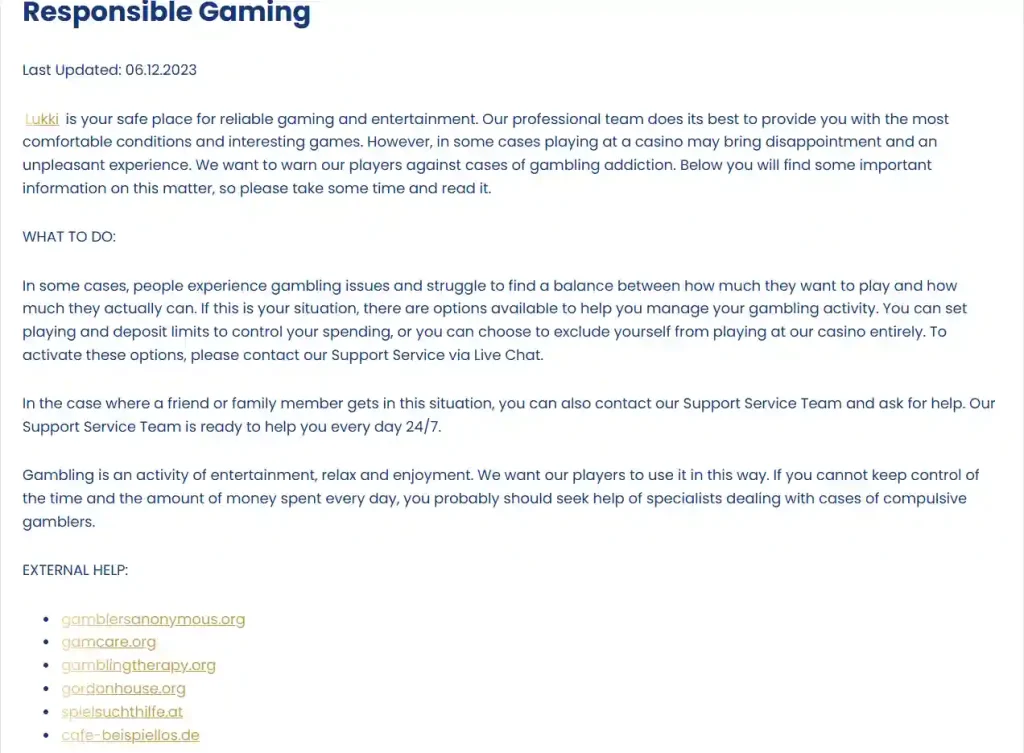
- Responsible-gaming controls. The official responsible-gaming page directs users to support for playing limits, deposit limits and self-exclusion requests.
These are web capabilities, not proof of a native app. Keeping the terms separate makes it easier to judge claims found elsewhere online.
Why a browser-first setup can be easier to verify
A browser session makes the web address visible, which gives you a direct way to check that you are on the intended domain. That does not remove every online risk, but it gives you a concrete origin to inspect before entering account credentials. By contrast, an unofficial download can hide where the software came from and who signed or distributed it.
For the same reason, bookmarks and home-screen shortcuts should be created only after you have opened and checked the official site. Do not save a link copied from an advertisement, social post or unrelated review page and assume it is authentic. If the browser reports a certificate or connection warning, do not continue to the login screen until the address and connection issue are understood.
The goal is not to turn a phone into a security project. It is simply to keep one verified route: official website, normal browser, controlled login, and no side-loaded software that the brand has not authenticated.
Screen size, orientation and connection quality
Casino interfaces put a lot of information into a small space: game tiles, menus, cashier controls, live-dealer video and account panels. On a phone, portrait orientation is usually convenient for navigation, while some games may be easier to view in landscape if the game itself supports it. That is a device-level observation rather than a promise about a particular title.
A stable connection also matters more for live or animated content than for reading a help page. If a session is moving between Wi-Fi and mobile data, avoid repeatedly resubmitting a payment or account action simply because a page is slow. Check the account or transaction status first. Repeated submissions can make a simple connection problem harder to diagnose.
On shared or public networks, be conservative with sensitive account activity. A trusted personal connection is preferable when entering credentials, reviewing payment information or completing identity checks. If the browser or operating system offers password-manager or biometric unlock features, those can be used as general device-security tools, but they should not be described as proprietary Lukki features.
Mobile payments: check the cashier, not the device logo
A phone may support a wallet or payment technology that does not appear in the casino cashier. Conversely, the cashier may expose payment routes that do not depend on a native mobile app at all. The presence of Apple Pay, Google Wallet or another service on your device therefore does not prove that Lukki accepts it in your account.
Open the live cashier, confirm the account currency and read the method-specific information actually displayed. The AUD payment guide separates deposits from withdrawals because their rules are not identical and covers the relevant payment details.
Account security on a phone
A mobile browser keeps the same basic account responsibilities as desktop use. Lukki’s terms require users to protect their account credentials and devices from third-party access. In practical terms, use a unique password, lock the phone, avoid sharing an authenticated session and sign out when using a device that other people can access.
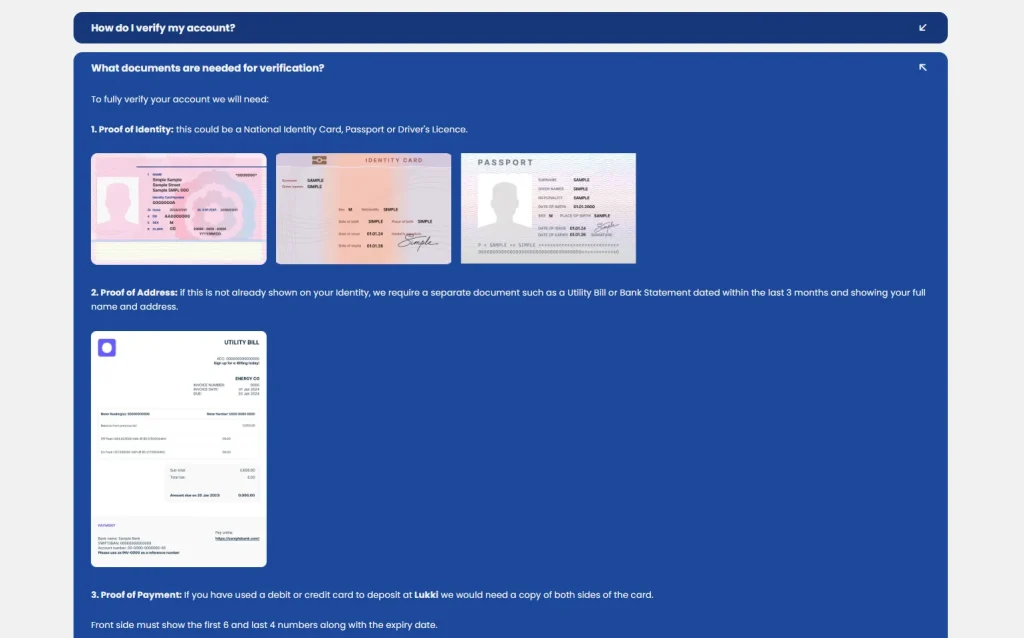
Do not store identity documents in a casual download folder simply because you may need verification later. If the account requests KYC, use the current official verification route and follow the live instructions. Mobile convenience should not turn into sending personal documents through an unrelated messaging account or third-party upload page.
If access is lost or a login behaves unexpectedly, use the official recovery or support process instead of installing another app, creating a second account or following a recovery link from an unsolicited message.
How to verify a future Lukki app claim
- Start from the official Lukki site. Look for a direct link to the relevant Apple App Store or Google Play listing.
- Check the store publisher. The developer or publisher identity should be consistent with information supplied through an official brand channel.
- Inspect the store URL. Make sure the page is genuinely on the official Apple or Google store domain rather than a lookalike download page.
- Review permissions. A casino app should not be trusted merely because its name and icon look plausible.
- Avoid side-loaded packages unless independently authenticated. A file name containing “Lukki” is not proof of origin.
- Check the current store listing when app availability matters. App availability can change, so an older review or image may no longer reflect what is available now.
This verification gate is deliberately stricter than simply searching the web for “Lukki Casino app”. Search results can surface unrelated apps, old references and third-party download pages. A store listing tied back to the official brand is the clearest basis for treating something as a native Lukki app.
Common mobile mistakes to avoid
- Calling a home-screen shortcut an app
- A shortcut can launch the website in a convenient way, but it does not establish the existence of a native iOS or Android application.
- Installing an APK from an unofficial site
- An official Lukki Android package has not been established. Do not treat third-party hosting as authentication.
- Assuming every desktop feature behaves identically on every phone
- Responsive design supports mobile use, but device, browser and game-provider behaviour can differ. Check the live interface.
- Assuming a phone wallet is automatically supported
- Payment-method support must be confirmed in the Lukki cashier, not inferred from the handset.
- Using public Wi-Fi for sensitive account actions
- Prefer a trusted connection for credentials, payments and verification documents.
Bottom line on Lukki mobile use
The verified mobile story is simpler than many app-download pages make it sound. Lukki describes a mobile-first website, and the current AU-facing service can be accessed through a normal mobile browser. A native iPhone or Android app is not established, so no App Store listing, Google Play listing or APK is presented as an official Lukki product.
Use the browser version, verify the domain before logging in, check live game and payment availability rather than relying on old images, and use official support if an account action fails. For details on operator identity, licensing and the Australian regulatory position, read the trust guide.
Official references
- Official Lukki AU home page – current mobile-first wording, AU-facing navigation and account entry points.
- Official Lukki AU support page – 24/7 support and current mobile-first site description.
- Official Lukki AU responsible-gaming page – support-based playing limits, deposit limits and self-exclusion.
For the wider brand context, return to the full Lukki review.
This material was created by the Lukki Australia Guide team.
Related posts
Is Lukki Casino Safe? KYC, Support and Reputation Signals
Lukki Casino Licence and Australian Legal Status